
Download iRatchet – Professional Invoicing & Billing Software for Mac, iPhone, and Web
Why iRatchet Stands Out in the Invoicing Landscape
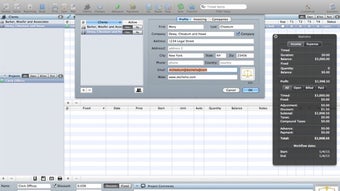
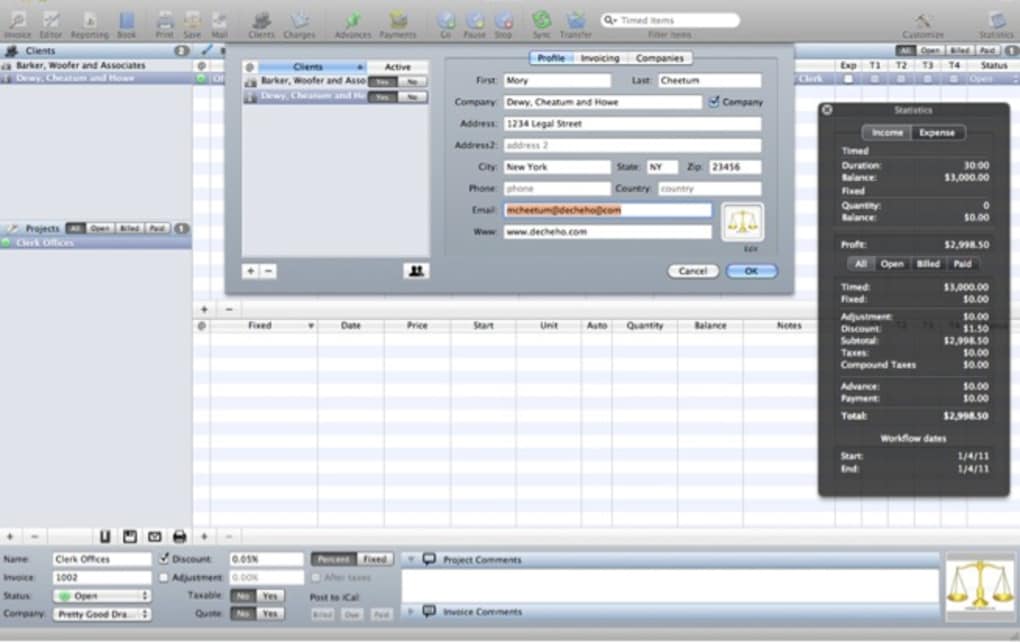
iRatchet is a slick, professional tool designed to simplify invoicing and billing for freelancers, agencies, and small businesses. Built on a refined Cocoa interface, the application leverages native macOS technologies such as CoreData, Spotlight, MobileMe, AddressBook, and iCal to deliver a seamless workflow that feels native to Apple users. Whether you bill hourly, fixed‑price projects, or a blend of both, iRatchet gives you granular control over every entry, client, and project.
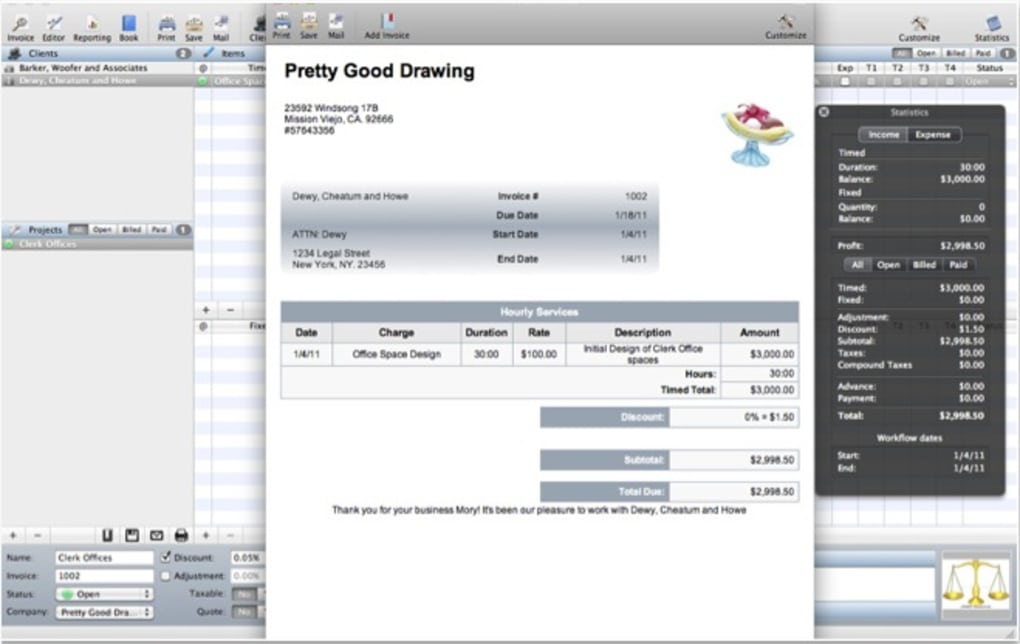
The software shines when you need to manage international clients: you can store country codes, multiple currency formats, and tax rates, all of which are reflected automatically on generated PDFs. A companion free iPhone app, GoiRatchet, extends the experience to the road, letting you sync, edit, and track time from anywhere. With professional‑looking invoice templates, easy XML import/export, and a web portal for remote access, iRatchet provides a comprehensive, end‑to‑end solution for anyone who wants to get paid faster and keep their books tidy without juggling multiple tools.
Core Features That Power Your Billing Process
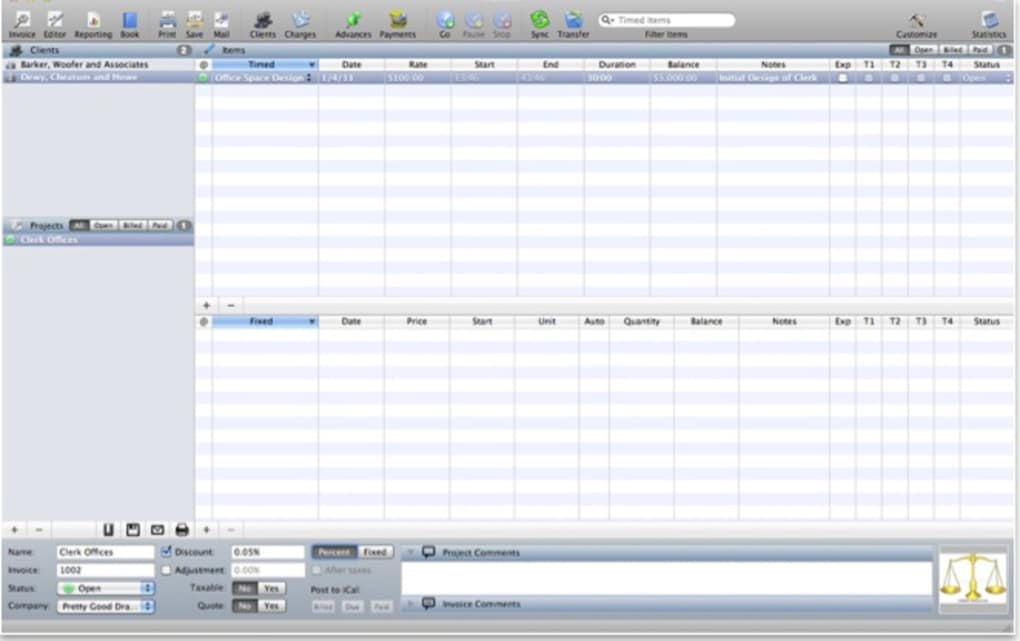
- Hourly and fixed‑price tracking with customizable rate tables.
- Multiple client and project management, supporting country and currency codes.
- Integrated timers for real‑time tracking.
- Professional PDF invoice generation with several built‑in templates.
- One‑click email delivery of invoices directly from the app.
- Full CoreData‑backed database with Spotlight indexing for quick searches.
- Sync with GoiRatchet iPhone companion for on‑the‑go updates.
- Web interface that mirrors desktop functionality for remote access.
- XML import/export for easy backup, migration, and archival.
- Automatic reminders for overdue invoices (available via web portal).
Step‑by‑Step Installation & First‑Time Use
Download: Visit the official iRatchet website or the Mac App Store and click the “Download iRatchet” button. The installer is a signed .dmg file, ensuring a secure, virus‑free installation.
Installation: Open the .dmg, drag the iRatchet icon into your Applications folder, and launch the app. macOS may prompt you to confirm the developer; simply click “Open” to proceed.
Initial Setup: Upon first launch, iRatchet guides you through a wizard that creates your first client, sets default currency, and selects a preferred invoice template. You can also import existing XML data from other invoicing tools at this stage.
Sync Configuration: To enable iPhone sync, install GoiRatchet from the App Store, sign in with the same iCloud account, and enable “Sync with iRatchet.” The two apps will automatically exchange data over iCloud, keeping your timesheets and client list consistent.
Running the App: The main dashboard displays a summary of unpaid invoices, recent timers, and upcoming projects. Use the left sidebar to navigate between Clients, Projects, Timers, and Reports. Generating an invoice is as simple as selecting a project, choosing a date range, and clicking “Create PDF.”
Compatibility, Strengths, and Areas for Improvement
iRatchet runs natively on macOS 10.12 (Sierra) and later. The companion GoiRatchet app supports iOS 12+ and iPadOS, ensuring full functionality on iPhone and iPad devices. A web portal, accessible via any modern browser (Chrome, Safari, Firefox, Edge), extends the experience to Windows and Linux users, though editing capabilities are limited compared to the desktop client.
Pros
- Native macOS Experience: Seamless integration with Apple’s ecosystem (AddressBook, iCal, Spotlight).
- International Billing Support: Multiple currencies and country codes simplify cross‑border invoicing.
- Robust Feature Set: Timers, templates, PDF export, email integration, and web access in one package.
- Secure Sync: iCloud‑based synchronization with GoiRatchet ensures data privacy and reliability.
- Export Flexibility: XML import/export makes migration painless.
Cons
- Only macOS receives the full desktop client; Windows users must rely on the web portal.
- Advanced reporting (e.g., profit margins per client) requires manual export to Excel.
- Learning curve for newcomers unfamiliar with macOS’s CoreData‑driven interface.
- No built‑in payment gateway; invoices must be paid via external services.
- Subscription model for premium templates may be off‑putting for budget‑conscious freelancers.
Overall Rating: 4.5/5 – iRatchet delivers a polished, feature‑rich invoicing solution for macOS users, especially those with international clients. The only drawback is limited native support for Windows, which the web portal only partially mitigates.
Frequently Asked Questions
Can I use iRatchet on a Windows PC?
iRatchet’s full desktop client is macOS‑only, but you can access your invoices, timers, and client data through the web portal from any Windows or Linux browser.
Is my data encrypted during iPhone sync?
Yes. GoiRatchet uses iCloud’s end‑to‑end encryption, ensuring that all invoice and timer data remain private during transfer.
Can I customize invoice templates?
iRatchet ships with several professional templates. Advanced users can edit the underlying HTML/CSS of these templates via the “Template Editor” found in Preferences.
How does iRatchet handle tax calculations for different countries?
When setting up a client, you can specify tax rates per country. The invoice generator automatically applies the appropriate tax based on the client’s location.
Is there a free trial or demo version?
Yes. A 14‑day free trial is available on the official website, giving you full access to all premium features before deciding to purchase.
Final Verdict and Call to Action
iRatchet offers a powerful, secure, and beautifully designed invoicing solution that caters especially to macOS professionals and freelancers with international clientele. Its deep integration with Apple services, robust feature set, and the handy GoiRatchet companion make it a standout choice for anyone serious about billing efficiency. While Windows users will need to rely on the web portal, the overall value—especially for Apple‑centric workflows—justifies the modest price tag.
Ready to streamline your invoicing, eliminate manual spreadsheet errors, and get paid faster? Download iRatchet today and start your free trial. Experience the difference of a truly native invoicing app.







